
How to share approximate location to protect your privacy
Why location sharing is problematic
Location sharing has a tricky reputation, and a fair bit of it is earned. A live pin on a map feels different from sending a message. You are not just saying where you are, you are giving away your position all day long while your phone is not even in your hands.
Even with end-to-end encryption, which Paralino uses throughout, that worry does not always go away. Encryption keeps your data private on the wire. It does not stop someone you share with from watching patterns over time. An approximate area can still hint at your routine: where you sleep, where you work, whether you stopped at the same cafe again on Tuesday. It is just the nature of sharing location at all.
Most people do not want to choose between staying connected and staying private. They want both, with real control over what gets shared, when, and with whom.
That is what Paralino is built for. Strong privacy practices matter, but they are only part of it. Time-limited sharing, per-group settings, approximate location, and privacy zones all exist for the same reason: you should decide what others see and when.
Location sharing, not location tracking.
Sometimes you want people to know you are in the right part of town without handing them your exact coordinates. Maybe you are meeting friends near a busy station, or you want your family to see that you left work without revealing which direction you went.
How to protect your privacy with approximate location
If you haven’t already, download and setup Paralino now.
Once you have your group set up, do the following:
- Open the location sharing screen for the group you want to share with.
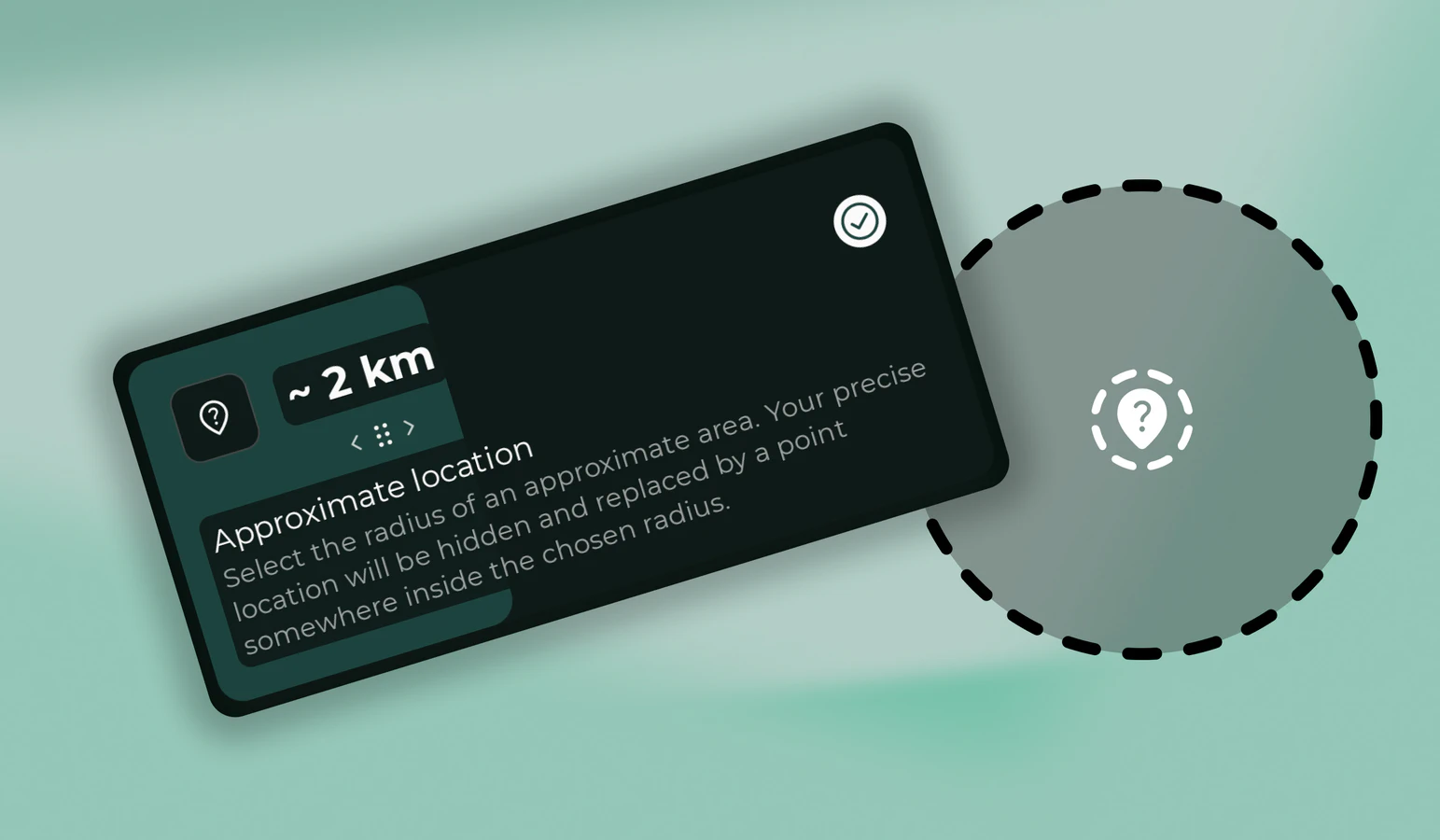
- Select Approximate location.
- Move the slider to set your radius.
- Tap Start sharing or Save.
Your actual location is now protected by approximate sharing. A smaller radius tells people roughly where you are. A larger one gives you more privacy. You can turn approximate sharing off anytime from the same screen, and Paralino goes back to your precise location.
What the app does behind the scenes
With approximate sharing active, Paralino picks a random point within your chosen radius of your real location. That point becomes the center of the area others see. Your precise position stays hidden.
The random point stays put while you remain inside that area. Only when you leave it completely does Paralino pick a new one near your updated position.
Your map marker will not move much as you walk around. That is normal. A marker that barely budges is what keeps your exact spot private.
What group members see
It depends on whether device status is enabled on the location sharing screen:
- Device status off: Others see only that your location is not accurate. No specific status text appears.
- Device status on: Others see an Approximate location only status.
Either way, they see the approximate point, not your real one.
Place alerts and approximate sharing
Approximate location sharing affects place alerts. Because your shared position is imprecise and randomly placed, enter and exit alerts can be unreliable or may not fire at all.
Whether an alert works depends on the place’s radius compared to your approximate sharing radius. If the place is smaller than your sharing radius, alerts for that place will not work.
If you depend on place alerts, share your precise location for those groups.
Privacy zones: approximate sharing, but only where you need it
Manual approximate sharing applies everywhere until you turn it off. That is fine for an afternoon out, less ideal if you only want privacy at home or the office while sharing precisely everywhere else.
Privacy zones solve that. You draw a private circle on the map (only you can see it), and Paralino automatically switches to approximate sharing when you enter it. Leave the zone and precise sharing comes back without you doing anything.
A few things that make zones different from flipping on approximate location globally:
- Zones are invisible to other group members. Nobody gets notified when you create or enter one.
- You can set them to expire after a set time, useful for a short visit somewhere sensitive.
- You can add a custom status message while inside a zone, so people know you are okay even though your pin is vague.
- If both manual approximate sharing and a privacy zone are active, the larger radius takes precedence.
For day-to-day life, many people use precise sharing most of the time and keep a privacy zone around home. For a one-off need for extra privacy, the manual approximate location toggle is quicker.
Related sharing options
On the same location sharing screen you can also choose whether to share speed, elevation, and battery level. See our guide on sharing speed, elevation, and battery level for details.
Share location on your terms
Exact sharing when you want coordination and safety. Approximate sharing when you want breathing room. Privacy zones when you want both without thinking about it every time you walk through the door.
Download Paralino now